Book Appointment Now

How to Use Fish Finders for Better Results
ByIMRAN
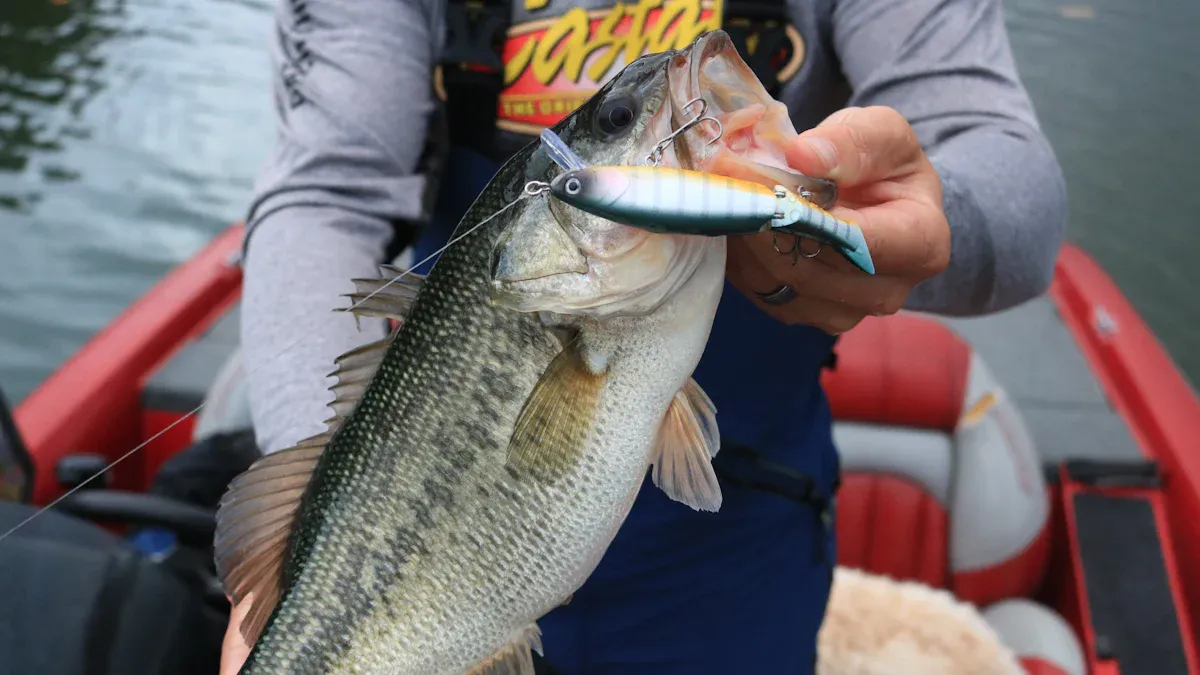
Fish finders play a crucial role in boosting your fishing success. By using these devices correctly, you can significantly improve your results on the water. Imagine being able to locate fish more easily and understand their behavior! Throughout this blog, you’ll discover how to set up your fish finder, interpret imaging data, and avoid common mistakes. Get ready to take your fishing game to the next level!
Key Takeaways
Select the right fish finder based on your fishing style and water type.
Properly install and adjust your fish finder settings for optimal performance.
Learn to read sonar images to identify fish and underwater structures.
Monitor fish behavior and environmental conditions to increase your catch rate.
Avoid common mistakes to ensure your fish finder operates effectively.
Fish Finders Overview
When it comes to fish finders, you have several options to choose from. Understanding the different types can help you select the right one for your fishing adventures.
Types of Fish Finders
Fish finders generally fall into a few main categories:
Category | Description |
|---|---|
By Type | Fixed Fishfinders, Portable Fishfinders |
By Application | Commercial Fishing, Recreational Fishing, Sport Fishing, Others |
By End User | Professional Fishermen, Fishing Enthusiasts, Charter Services |
By Technology | 2D Sonar, CHIRP Sonar, Side Imaging, Down Imaging |
Each type serves a unique purpose, so consider your fishing style when making a choice. For instance, portable fish finders are great for casual outings, while fixed units are ideal for serious anglers.
Key Features
Now, let’s talk about the features that make fish finders effective tools. Here are some important aspects to consider:
Feature | Freshwater Fishing | Saltwater Fishing |
|---|---|---|
Type of Imaging | 2D sonar, down imaging, side imaging | Advanced sonar technologies |
Type of Fishing Water | Lakes, rivers, reservoirs | Oceans, seas, coastal areas |
Durability | Standard construction | Rugged, corrosion-resistant materials |
GPS Navigation | Basic navigation features | Integrated GPS for vast expanses |
Depth Sensing | Accurate depth measurement | High-performance sonar for deep waters |
Targeting Capabilities | Fish targeting optimized for freshwater | Ability to connect to saltwater accessories |
Versatility | Suitable for various freshwater environments | Built to endure harsh marine conditions |
Fish finders use sonar technology to detect underwater objects and fish. They send sound waves into the water, which bounce back when they hit something. This allows you to see what’s below the surface. The latest models even offer advanced features like GPS and real-time data, making your fishing experience more enjoyable and efficient.
By understanding the types and features of fish finders, you can make an informed decision that enhances your fishing success.
Setting Up Your Fish Finder
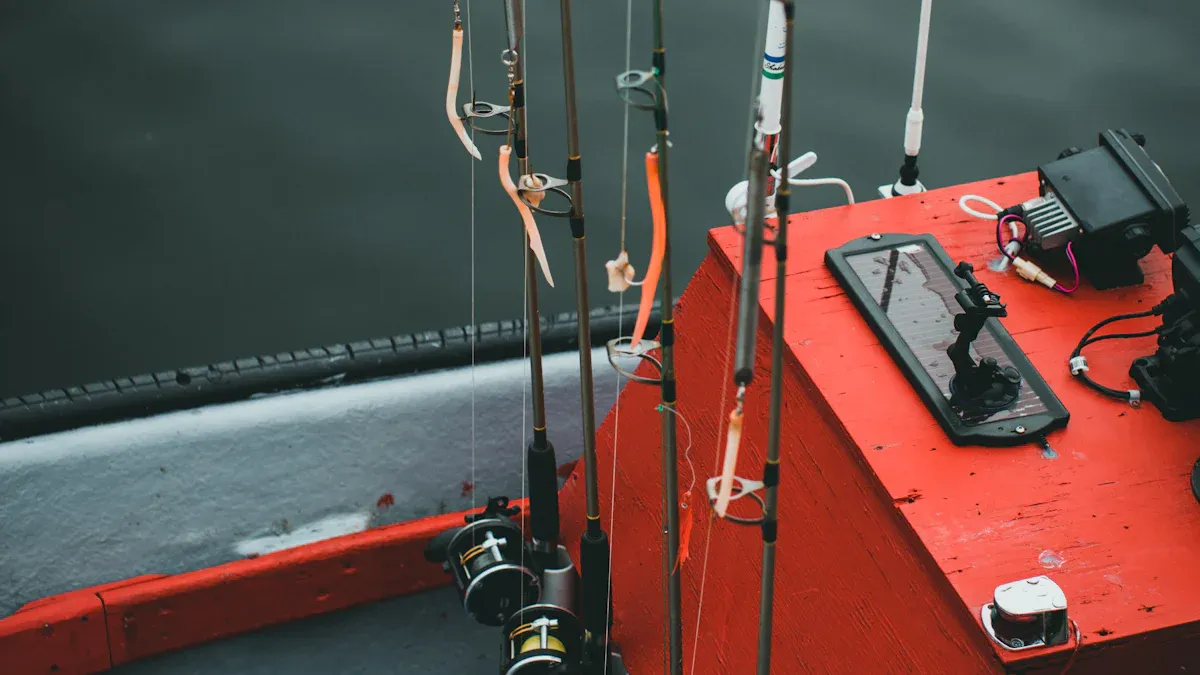
Setting up your fish finder correctly is essential for getting the most out of your fishing experience. Let’s dive into the installation steps and how to adjust the settings for optimal performance.
Installation Steps
Installing your fish finder might seem daunting, but following these steps can make it straightforward:
Choose Your Location: Find a spot on your boat that’s easily visible from the captain’s chair and protected from splashing water.
Secure the Mount: Use a binnacle mount and ensure you drill and seal properly to avoid any damage.
Install the Power Leads: Connect the power leads to the fuse block, making sure they’re the right length and protected.
Mount the Transducer: Identify the best location on the hull, ensuring it’s free from obstructions.
Finish and Connect to Power: Seal the wiring hole and connect the power leads to test the fish finder.
Tip: Avoid common installation mistakes that can reduce effectiveness. For example, incorrect transducer placement can lead to distorted images. Make sure to mount it at the right height to prevent turbulence or interference from the boat’s hull.
Adjusting Settings
Once your fish finder is installed, it’s time to adjust the settings for the best results. Here are some key settings to focus on:
Noise Rejection: Set this to low for clearer images. This helps eliminate background noise that can obscure fish signals.
Surface Clarity: Adjust this to low to improve visibility of lures and fish interactions.
Interference Menu: Use this feature to reduce echo returns from nearby equipment, which can clutter your display.
Clutter Settings: Minimize low-level noise from sediments to enhance your view.
Sensitivity and Frequency: Adjust these based on water conditions. For example, if you’re in deeper water, increase sensitivity to detect faint echoes.
Step | Description |
|---|---|
1 | Bring your boat to the depth you commonly operate, preferably more than 20 ft. |
2 | Turn OFF Auto-Sensitivity (GAIN) and Auto-Range features. |
3 | Manually adjust the Range to more than twice the depth. |
4 | Adjust Sensitivity (GAIN) to see a faint second bottom echo. |
5 | Re-adjust Range to desired depth and turn ON Auto-Range feature. |
6 | Periodically re-adjust sensitivity based on environmental changes. |
7 | Consider factors like water depth, temperature, clarity, salinity, and boat speed for optimal settings. |
Adjusting these settings can significantly impact image clarity and fish detection. As water conditions change, you may need to tweak these settings to maintain optimal performance.
By following these installation steps and adjusting your settings, you’ll set yourself up for a successful fishing trip. Happy fishing!
Interpreting Imaging Data

Reading Sonar Images
Reading sonar images can seem tricky at first, but with practice, you’ll get the hang of it. When you look at the display, you’ll see various shapes and colors representing underwater structures and fish. Here’s how to interpret what you see:
Fish Symbols: Many fish finders use symbols to represent fish. These can vary based on the model, but typically, you’ll see small icons or arches.
Depth Indicators: The depth of the water is crucial. Knowing how deep the fish are can help you choose the right lure. If you see a positive hit at a certain depth, adjust your bait to match.
Contrast and Clarity: Pay attention to the contrast in the images. Clearer images often indicate better fishing conditions. If the image quality is poor, consider adjusting your settings for better clarity.
You can also use the fish identification mode on some advanced models. This feature helps distinguish between species based on their size and shape. For example, sturgeon and chinook salmon appear differently due to their swimming positions.
Fish Behavior Insights
Understanding fish behavior through imaging can significantly enhance your fishing success. Here are some key insights:
Feeding Patterns: Fish often show aggressive behavior when feeding. Look for disturbances on the water’s surface, which can indicate schools of baitfish being attacked.
Temperature and Depth: Fish are cold-blooded and will seek out cooler waters when temperatures rise. Use your fish finder to monitor water temperature and adjust your fishing depth accordingly.
Schooling Behavior: When fish school together, they often create noticeable patterns on your sonar. Look for tight clusters, which can indicate a feeding frenzy.
By observing these patterns, you can improve your chances of catching fish. Remember, local knowledge is essential. Understanding the types of fish in your area and their seasonal behaviors will help you make the most of your time on the water.
With practice, you’ll become adept at reading sonar images and interpreting fish behavior. This skill will undoubtedly lead to better fishing results!
Best Practices and Common Mistakes
Techniques for Success
Using your fish finder effectively can make a big difference in your fishing success. Here are some tips to help you maximize your results:
Understand Seasonal Changes: Fish behavior changes with the seasons. In winter, for example, fish tend to gather in deeper waters. Use your fish finder to locate these congregations. Ice fishing can be particularly effective, as a fish finder helps you find fish hiding under the ice.
Adjust Sensitivity Settings: Sensitivity (or gain) is crucial for effective fish finding. When water depth or target species change, tweak these settings. In winter, for instance, increase sensitivity to detect fish in deeper waters.
Use the Right Bait: In colder months, fish often prefer slow-moving or stationary baits. This approach works well because fish have slower metabolisms in cold water.
Strategically Place Holes: If you’re ice fishing, think about where to drill your holes. Place them based on your fish finder readings to increase your chances of success.
Monitor Water Temperature: Fish are sensitive to temperature changes. Use your fish finder to keep an eye on water temperature and adjust your fishing depth accordingly.
Avoiding Fish Finder Mistakes
Even experienced anglers can make mistakes when using fish finders. Here are some common fish finder mistakes to avoid:
Improper Transducer Placement: An incorrectly positioned transducer can lead to poor signal return and inaccurate depth readings. Make sure to mount it correctly to get the best performance.
Neglecting Battery Care: Avoid leaving your battery in extreme temperatures. This can cause internal damage. Always check for corrosion on terminals before charging and clean them if necessary.
Mixing Old and New Batteries: This can lead to inconsistent performance. Always store batteries separately to avoid contact with each other.
Ignoring Settings Adjustments: Don’t forget to adjust your settings based on changing conditions. If you notice poor image quality, it might be time to tweak your sensitivity or clutter settings.
Overlooking Maintenance: Regularly check your fish finder for updates and maintenance needs. Keeping your device in good shape ensures it works effectively when you need it.
By following these techniques and avoiding common mistakes, you can enhance your fishing experience and increase your chances of landing that big catch!
Troubleshooting Issues
Common Problems
When using fish finders, you might encounter a few common issues. Here’s a list of problems you may face and some quick solutions:
GPS Not Working: Ensure your device has a clear view of the sky. Sometimes, tall structures or trees can block signals.
Inaccurate Depth Readings: Check the transducer placement. It should be in a clear path to the water, away from obstructions.
Waypoints or Routes Not Saving: Make sure your device has enough memory and that you’re following the correct saving procedure.
Software Update Issues: Regularly check for updates. Sometimes, outdated software can cause glitches.
No Power or Device Won’t Turn On: Inspect the power connections. Ensure the battery is charged and connections are secure.
Poor or No Sonar Reading: This could be due to interference from other electronics. Check for nearby devices that might be causing issues.
Screen Flickering or Distorted Images: This often results from electrical noise. Proper grounding and cable management can help reduce this.
Source | Evidence |
|---|---|
Furuno | When multiple echo sounders operate at similar frequencies, they can cause false returns and clutter on the display, especially in areas with many fish finders. |
Boating Mag | Electrical noise from various onboard sources like battery chargers and engines can severely affect electronics performance, including fish finders. |
When to Seek Help
Sometimes, troubleshooting on your own isn’t enough. Here are a few signs that it might be time to call in a professional:
Many boaters and anglers work on their own boats, but there are times when professional help may be needed. With 30 years of experience dealing with the marine service industry, the BoatUS Consumer Protection Bureau knows that most marine professionals do the job right.
If you notice persistent issues after trying common fixes, don’t hesitate to reach out for help. Additionally, if your fish finder is still under warranty, consider contacting customer support for assistance. Companies like Garmin offer dedicated support centers to help you troubleshoot effectively.
By knowing these common problems and when to seek help, you can keep your fishing trips enjoyable and productive!
Using fish finders can truly enhance your fishing experience. You learned about different types of fish finders, how to set them up, and how to interpret the data they provide. Remember, adjusting your settings and understanding fish behavior can lead to better results on the water.
Here are some key takeaways:
Choose the right fish finder for your needs.
Adjust settings based on water conditions.
Monitor fish behavior for more successful catches.
Don’t hesitate to apply these tips during your next fishing trip! We’d love to hear your experiences or any questions you might have. Happy fishing! 🎣
FAQ
What is a fish finder?
A fish finder is a device that uses sonar technology to locate fish underwater. It sends sound waves into the water and displays the echoes on a screen, showing you where fish and underwater structures are.
How do I choose the right fish finder?
Consider your fishing style, the type of water you fish in, and your budget. Portable models suit casual anglers, while fixed units work best for serious fishermen. Look for features like GPS and sonar technology that match your needs.
Can I use a fish finder in saltwater?
Yes, many fish finders are designed for both freshwater and saltwater use. However, ensure your model is durable and corrosion-resistant to withstand harsh marine conditions.
How often should I update my fish finder software?
Check for updates regularly, ideally before each fishing season. Manufacturers often release updates to improve performance and add new features, ensuring you get the best experience on the water.
What should I do if my fish finder isn’t working?
First, check the power connections and transducer placement. If issues persist, consult the user manual or contact customer support for troubleshooting assistance. Regular maintenance can also prevent many common problems.