Book Appointment Now

Fishing Electronics Guide: Locate Fish With Accuracy

Fishing electronics put accurate fish locations and clearer structure information at your fingertips. Match fishfinders and transducers to boat size and budget, and choose CHIRP plus imaging for crisp targets. Learn down, side, and multibeam sonar so the best view is used for each spot, and mount transducers in clean, turbulence-free water for reliable returns. Use GPS, contour maps, tuned gain and frequency, and networked devices to track structure and seasonal fish behavior with confidence.
Quick Decision Matrix: Best Fishfinder by Boat and Budget
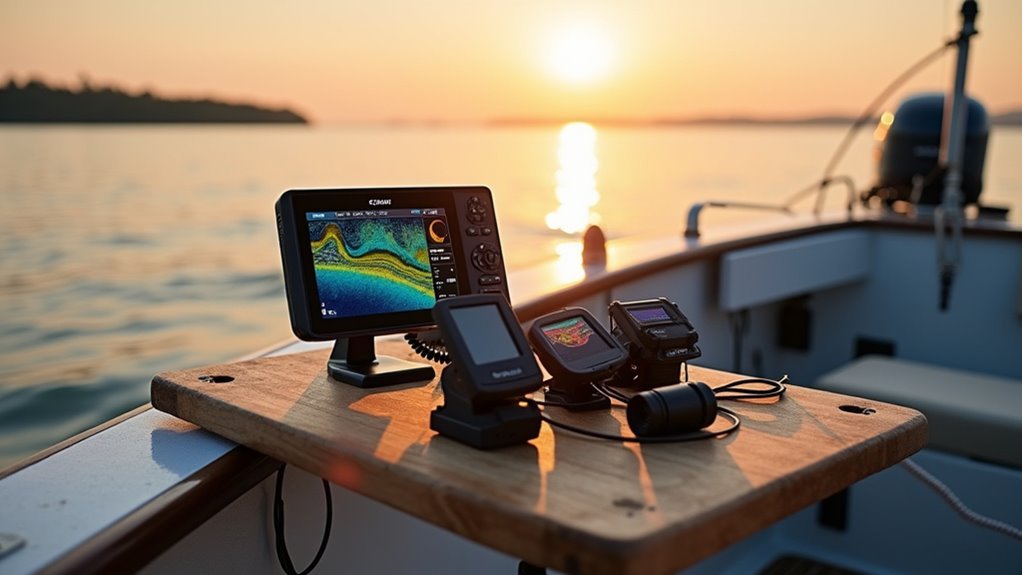
Curious which fishfinder fits your boat and budget best? You want gear that feels like it was picked just for your crew, so start off matching budget options to boat sizes.
Small boats and kayaks often do well with compact, single frequency units that keep costs low and install simple.
Mid sized boats benefit from combo chartplotters with better displays and dual frequency for varied water.
Large boats should aim for networked, high resolution systems that share data across stations.
Look for models that balance price and features, not flash.
Consider how often you fish, where you go, and who you fish with. That helps you pick a unit that joins your group on every outing and grows with your confidence.
Choose the Right Fishfinder: CHIRP, Traditional, and Imaging Pros/Cons
At the moment you’re picking a fishfinder, you’ll want to know how CHIRP, traditional echo, and imaging technologies differ so you can pick the one that matches your boat, water, and fishing style. You’ll feel part of a group that fishes smarter whenever you choose with confidence.
CHIRP gives clearer marks, better depth performance, and suits varied waters. Traditional sonar is simple, easy to read, and works well for many anglers learning gear. Imaging like side and down scans adds detail but has imaging limitations in deep or murky water. You can combine CHIRP with imaging to get both target clarity and structure detail.
Consider boat size, typical depth, and whether you want live updates or broad area scans before you buy.
Understand Sonar Types: Down, Side, and Multibeam Explained
At the moment you pick a sonar type, you want clear answers fast so you can spend more time fishing and less time guessing, and down, side, and multibeam sonar each give you different views of what’s beneath and around your boat.
You’ll feel part of a team whenever you learn how each works and where they fit your trips. Beam angles shape coverage and detail, so you’ll choose narrow for depth or wide for area. Know sonar limitations like depth, clutter, and required boat movement so you’re not surprised on the water.
- Down sonar for straight below detail and structure under your transducer.
- Side sonar for broad, high resolution scanning left and right while moving.
- Multibeam for fast, dense swaths that map complex bottom features.
Pick and Mount the Correct Transducer for Your Boat
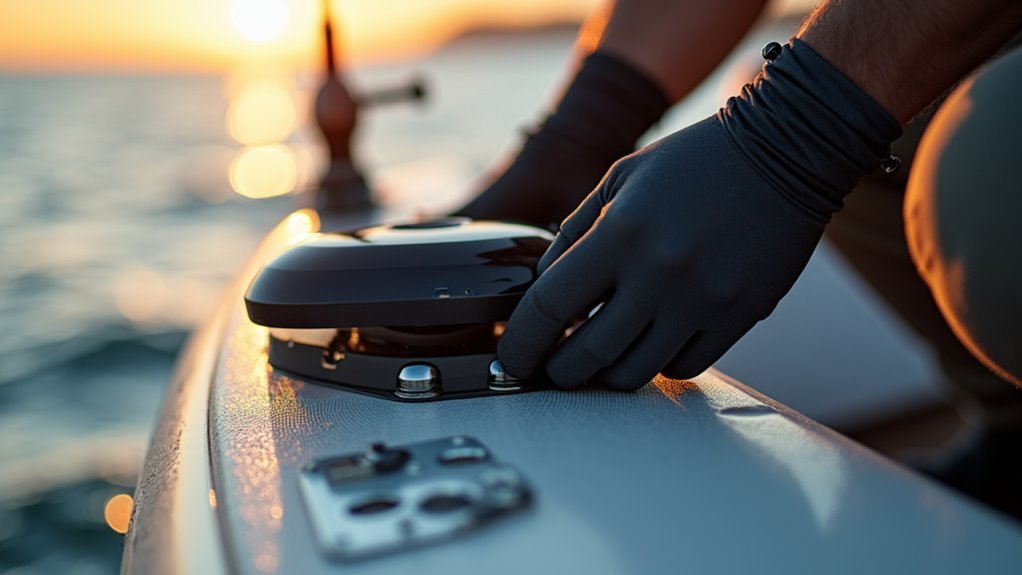
Where should you mount your transducer so it gives the clearest image and the fewest headaches on the water? You want a spot that stays in clean water and avoids turbulence.
Consider transducer materials and choose one that resists corrosion for your boat type. Common mounting locations include transom, through-hull, and trolling motor brackets. Each spot affects signal clarity and ease of maintenance. Mounting closer to the centerline reduces noise from prop wash.
Use multiple locations for specialty setups but pick one primary position for consistent returns. Talk with fellow anglers, evaluate placements, and trust your gear. You’ll feel more confident whenever your images are steady and your crew knows the setup.
Small adjustments often deliver big improvements.
Use GPS and Contour Maps: Waypoints, Tracks, and Structure Lines
- Save waypoints at bait schools
- Record tracks on every pass
- Draw structure lines along depth changes
Read Sonar Returns: Fish Arches, Bait Clouds, and Structure Signs
Scan the screen slowly and trust your eyes, because learning to read sonar returns will change how you find fish and structure. You’ll learn to spot fish arches that show single targets and size them through thickness.
Bait clouds look like fuzzy blobs and tell you where food gathers. Watch structure signs like hard edges, dropoffs, and submerged logs that hold fish.
Combine these sonar returns for better fish interpretation and link what you see to underwater features on your map. As you practice, you’ll join others who read screens the same way and feel confident sharing marks.
Keep records, talk to your crew, and trust repeated patterns. This shared learning makes finding fish easier and more fun for everyone.
Tune Your Fishfinder: Gain, Frequency, and Depth Range Settings
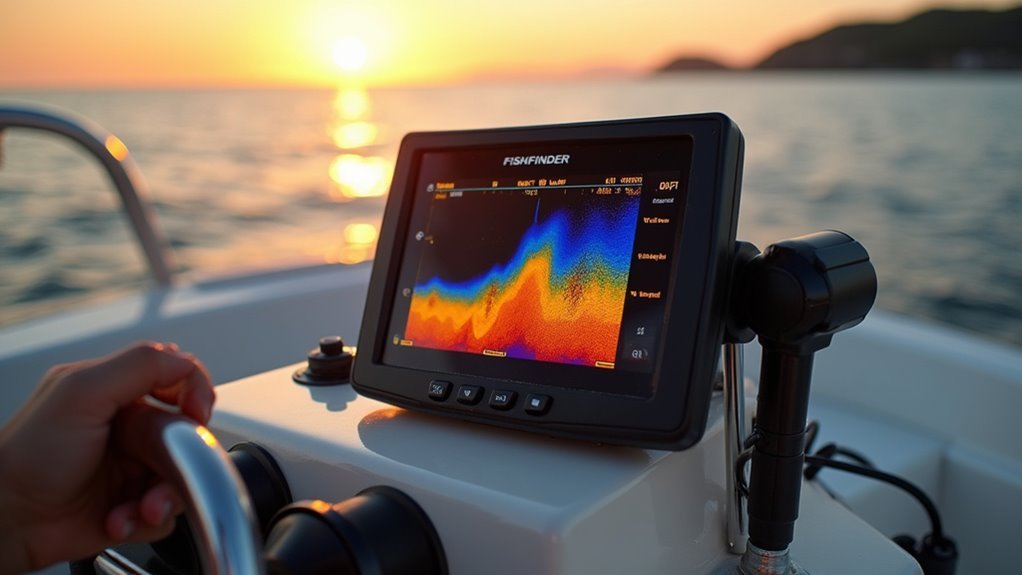
As you tweak gain, frequency, and depth range the screen will stop fighting you and start showing fish and structure the way they really are. You’ll feel at home whenever your display matches the water below, because signal optimization and depth calibration make the unit speak your language.
Start with slightly higher gain to reveal faint returns, then back off until clutter disappears. Change frequency for depth and detail, low for deep, high for shallow. Set depth range a bit deeper than bottom to avoid sudden cutoffs.
- Adjust gain slowly and watch noise vs targets.
- Swap frequencies to compare detail and reach.
- Use depth calibration to lock accurate bottom readings and keep trust in your screen.
You’re not alone in learning this.
Combine Electronics With Seasonal Behavior and Water Conditions
You’ll get better catches once you match your electronics to seasonal movement patterns and changing water temperatures. Start through watching how fish shift depth and location as warming or cooling water and use live sonar or 360 imaging to confirm their current position.
Then adjust frequency, gain, and chartplotter overlays so your gear reflects behavior and water conditions in real time.
Seasonal Movement Patterns
As water temperatures shift along the seasons, your fish finder becomes more than a gadget, it becomes your best chance to read how fish move and where they hide, and you’ll feel more confident on the water whenever electronics and seasonal behavior work together.
You’ll track migration timing with waypoints and logs, and you’ll spot likely spawning locations through mapping shallow flats and cover. That shared knowledge helps you belong to a community that reads the lake like a map.
- Use side imaging to scan corridors where fish travel between deep and shallow areas.
- Use live sonar to watch baitfish pushing into cover throughout spawn.
- Mark structure and waypoints for return trips and team sharing.
Water Temperature Effects
During water temperature changes, your electronics become a guide that helps you understand how fish will move and where they’ll hide, so you can make smarter decisions on the water. You’ll notice temperature impact clearly on your display as thermoclines form.
As surface water warms, fish behavior shifts deeper or into shaded structure. Use live sonar and down imaging to spot cool bands and transition zones where fish concentrate.
You’re part of a team with your gear and fellow anglers. Trust the readings, adjust depth and lure choice, and watch how teaching your electronics refines instincts.
Seasonal shifts make patterns predictable, and your tools help you find the seams where fish feed, rest, and cluster.
Electronics-Behavior Integration
During water temperature shifts and thermoclines form, your electronics become more than tools; they become a teammate that helps you read fish behavior and seasonal patterns. You’ll learn to pair sonar readings with seasonal cues so you feel confident and included on the water.
Tune for signal optimization and watch for electronic interference that hides subtle marks.
- Use live sonar to follow bait schools throughout warm fronts and adjust presentation.
- Match side imaging runs with known seasonal lanes to find holding structure quickly.
- Check 360 scans in shallow spring flats as fish push up with rising temps.
You’ll rely on simple routines, share tips with your crew, and adapt gear settings to match changing water and fish moods.
Quick Fixes on the Water: Common Problems and Troubleshooting Steps
During the moment electronics act up while you’re on the water, don’t panic; you can fix a lot with a few quick checks and calm steps. Start by power cycling your unit to reset glitches, then check coax and power connections for corrosion or loose fits.
Should images blur or drop out, suspect signal interference from nearby radios, trolling motors, or other boats and move a few yards to evaluate. Inspect the transducer mount and cable for damage and proper angle.
In case GPS or chart data lags, confirm antenna visibility and fuse health. Try a factory reset only after backups. Keep spare fuses, terminal cleaner, and zip ties aboard.
These steps keep you confident, part of the crew, and back to finding fish fast.
Network and Upgrade: Chartplotters, Smart Transducers, and Accessories
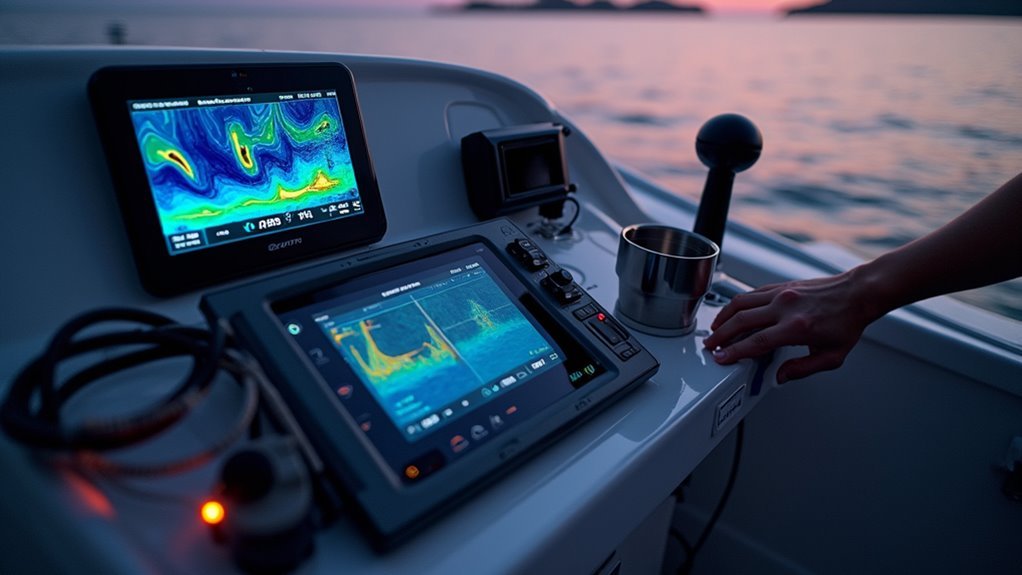
Once you upgrade your boat electronics, getting your chartplotter to talk to other gear makes piloting and sonar data much easier to use.
Pick a smart transducer that matches your fishing style and your chartplotter’s network so you get clearer sonar, live imaging, and accurate depth readings.
With the right integration tips and transducer choices you’ll save time on the water and feel more confident locating fish and structure.
Chartplotter Integration Tips
Because your chartplotter is the brain of your boat, you’ll want it to talk smoothly with every sonar, transducer, and accessory you add, and that starts with planning the network and choosing smart upgrades.
You’ll want display synchronization so every screen shows the same map and sonar image. Also set up interface customization so controls feel familiar to your crew. That creates belonging on board and confidence during the bite.
- Map and sonar routing: assign sensors to specific displays to avoid conflicts and improve clarity.
- Power and cabling: use fused feeds and network hubs for steady connections and less dropouts.
- Software and backups: keep firmware current and save configurations before upgrades so you won’t lose settings.
Smart Transducer Choices
While choosing a smart transducer could feel overwhelming, you’ll find the right one faster in case you match its features to your boat, fishing style, and chartplotter network, and I’ll walk you through those choices so you don’t waste time or money.
You want a unit that fits your hull, so compare transducer materials like plastic, bronze, or composite for durability and signal clarity. Consider power output next since higher watts improve depth and detail, but cost and battery load rise too. Match frequencies to your fisheries, and pick dual frequency for deep trips or single for shallow lakes.
Check network compatibility with your chartplotter, cable length, and mounting ease so you and your crew feel confident on every outing.
Frequently Asked Questions
Can I Use a Fishfinder While Ice Fishing Through a Hole?
Yes - you can, like a mariner with a sextant, but you’ll need to tweak sonar sensitivity and make precise hole adjustment. You’ll feel supported learning settings that reveal fish below, improving your ice-fishing confidence together.
Will My Fishfinder Work on Inflatable or Aluminum Jon Boats?
Yes - your fishfinder will work on inflatable or aluminum jon boats, but you’ll face mounting challenges and possible signal interference from metal or nearby electronics; we’ll figure solutions together so everyone on board feels confident.
How Do Fishfinders Affect Battery Life During All-Day Trips?
They’ll drain batteries faster in case left on high-power modes; power consumption spikes with live/CHIRP/360 imaging. You’ll want solid energy management-use sleep modes, dim screens, and a backup battery so your crew feels confident all day.
Are Fishfinder Transducers Safe for Fiberglass Hulls Without Drilling?
Absolutely - you’ll be thrilled: non-drilling transducer installation options exist and won’t harm your boat. You’ll find adhesive and transom-mount clamps offering fiberglass compatibility, letting you belong to confident DIYers without compromising hull integrity.
Can Smartphone Apps Replace Dedicated Fishfinder Units?
Not really - you can use apps for convenience, but app features vary and an accuracy comparison shows dedicated units with CHIRP, side/360 and live sonar outperform smartphones; you’ll feel supported choosing gear that fits your group’s needs.